Auditing roles periodically
If you set up roles once and never revisit them, three things happen over the next year. Roles you created for one specific person are still there after that person left. Permissions you granted "temporarily" became permanent. A role labeled "Read-Only" has been edited to allow edits because someone needed something quick.
A 30-minute audit once a quarter prevents most of this. This article is the checklist for that audit — what to look at, the questions to ask, and what cleanup actions follow each finding.
When you'd run this audit
- On a quarterly cadence — calendar it, do it.
- After significant staff turnover — roles that fit the old team may not fit the new one.
- Before a security review — internal or external auditors will ask these questions; better you have answers.
- After a security incident (real or near-miss) — every "could this have been prevented?" question is a permission question.
- Before a major platform change — an upgrade, a migration, a new integration. Clean state first.
For most small businesses, quarterly is plenty. For larger ones (20+ users, regulated industry), monthly is reasonable.
Who should do it
Ideally not the person who originally built the roles. Fresh eyes catch things the original builder rationalizes away.
In a small business, that's often the owner doing the audit even though the office manager built the roles. In a larger one, it might be the COO or an external advisor.
The audit itself — by section
Open the User Roles screen and the user list side by side.
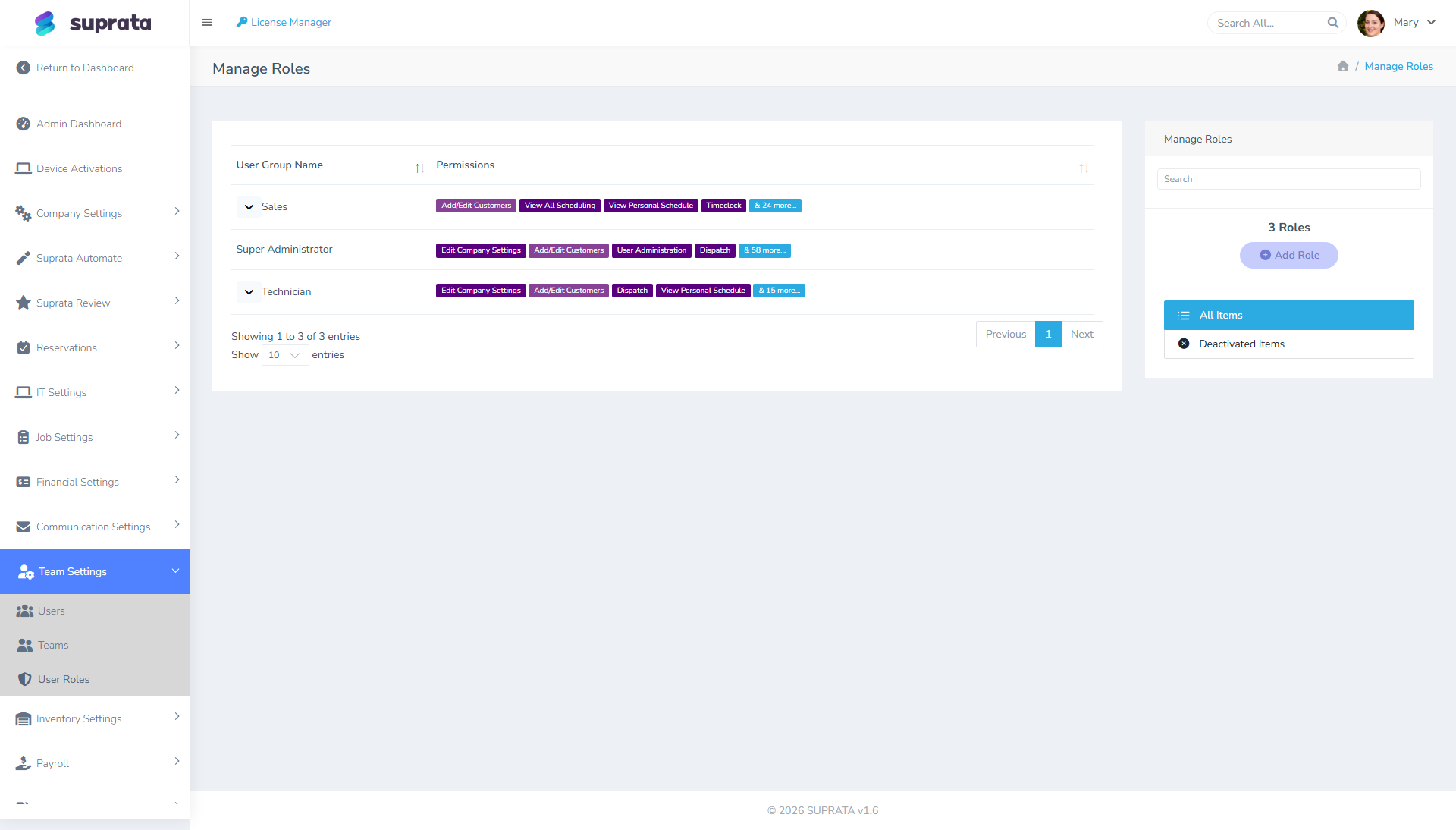
1. List the roles. For each role:
Is anyone assigned to it?
If a role has zero assigned users, it's dead weight. Either:
- Archive it — keeps it around for history but hides it from new-user assignment.
- Delete it if you're confident it'll never be needed.
A "just in case" role that's never been used is just clutter.
Has anyone been assigned to it in the last 90 days?
A role with five assigned users who all started before this audit cycle, and no new assignees since, is a candidate for review. Is the role still relevant to current operations? Or did it fit the previous shape of the business?
Does the name still describe the permission set?
Walk through the permissions and ask: if a stranger read this role's name, would they expect this permission set? Common drift: a role called "Tech" that's accumulated dispatcher permissions because techs needed them "just for now". Either rename it ("Lead Tech") or revert the permissions.
Are there permissions granted that nobody in the role uses?
This requires actually talking to the people in the role. "When was the last time you used [feature]? Do you need that?" If the answer is "never" or "I don't even know what that is", revoke the permission.
2. Walk through the user list. For each user:
Are they still active?
Inactive users with active roles aren't an immediate threat (they can't log in), but they clutter the list and confuse audit views. Verify Inactive status is set correctly.
Is their assigned role appropriate to their current job?
People get promoted, change responsibilities, take on new work. Their role should follow. The Administrator role they got two years ago when they were running operations might not fit them now that they've moved to sales.
Have they not logged in for 60+ days?
Unused but active accounts are a security risk. Either deactivate (preserves history) or, if there's a real reason for the dormant access, document it.
3. Look at high-privilege roles specifically
Who has Super Admin / Owner-tier access?
This is the most consequential question in the audit. Super Admin can change anything, see anything, delete anyone. The list should be very short — typically 1-3 people. If it's grown beyond that, why?
For each Super Admin user:
- Do they actively need Super Admin? Or were they promoted to it once to solve a specific problem and never bumped back down?
- Are they still affiliated with the business? (Yes, this is obvious; yes, people forget.)
- If they left, has their access been removed? Check now, not "soon".
Who has User Administration?
Anyone with this permission can grant other people higher access — including grant themselves more. It's the second-most-dangerous permission. Same vetting as Super Admin: short list, current need, current employment.
Who has Issue Refunds and Run Financial Reports?
Money permissions. Smaller circle than ops; verify the list matches who actually does this work.
4. Look at the license context
Open the license manager to see your seat usage and license tier:
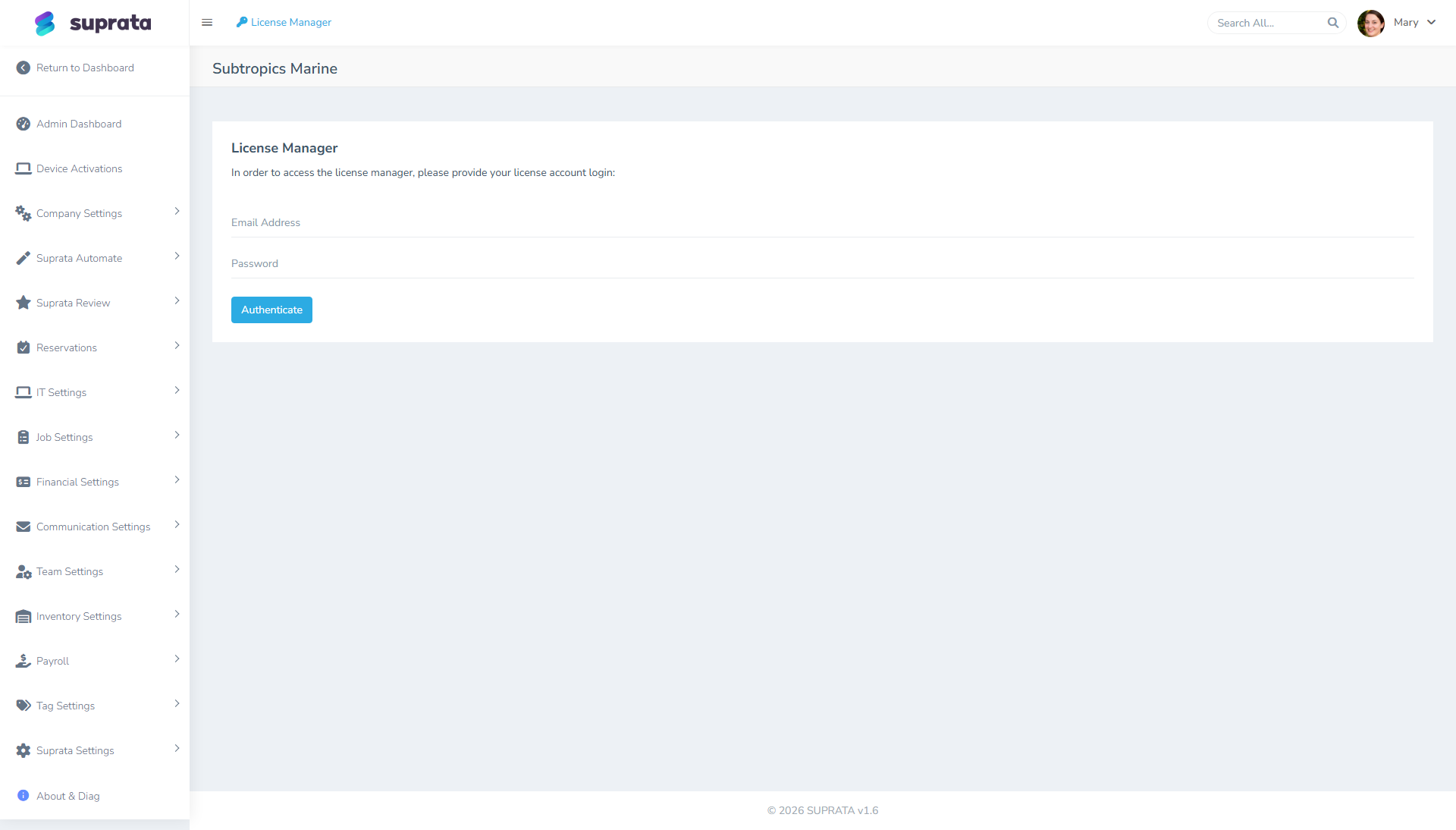
Questions:
- Are you paying for more seats than you're using? Inactive accounts that haven't been deactivated may be inflating your seat count.
- Are you near your seat cap? If you're close, plan ahead — adding a user mid-month when you're at the cap is annoying.
- Are there features your tier includes that nobody's using? That's not a security finding, but it's often a "we should be getting more value" finding.
The questions that surface real problems
A handful of specific questions tend to find the most issues:
- "Who could delete a customer record right now?" Walk the role list. Is the answer "exactly the people I expected"?
- "Who can change saved payment-method data?" PCI-relevant; the list should be tiny.
- "Who could see how much we paid for any item?" Cost visibility is a privacy boundary in many businesses.
- "Who could give themselves more permissions?" Anyone with User Administration. Is the list short and current?
- "Who can issue a refund without my knowing?" If the answer surprises you, fix it.
Asking these out loud, in order, catches the highest-impact drifts.
Cleanup actions
After the audit, you'll have a list of fixes. Categorize them:
Immediate (do today):
- Revoke admin access from anyone who shouldn't have it.
- Deactivate accounts of departed staff still showing as active.
- Remove permissions from roles that were "temporary".
Short-term (this week):
- Rename roles that no longer match their purpose.
- Turn one-off permission grants into proper roles when they apply to more than one person.
- Add notes to any unusual permission setups that are still appropriate but aren't documented anywhere.
Long-term (this quarter):
- Consolidate similar roles that have drifted to be near-duplicates.
- Document the role purposes somewhere durable so future audits are easier.
- Adjust your invite/onboarding playbook based on what you learned.
What to record
After the audit, write down:
- The date of the audit.
- Who did it (auditor, with the helper if any).
- What you changed — specifically. "Removed User Administration from Bob; merged 'Tech-Old' into 'Tech'; deactivated 4 dormant accounts."
- What you found but didn't change and why ("3 users have stale overrides documented as covering parental leave; expiration is next month").
- Open questions for next audit.
This record becomes useful the next quarter ("we said we'd revisit X — did we?") and is what you'll show an external auditor if they ask.
Common mistakes
- Skipping the audit because "nothing's changed". Things have changed; you're just not aware. Run the audit and look.
- Treating it as paperwork instead of a meaningful review. If you're checking boxes, you're not auditing. The point is to find things and fix them.
- Auditing roles without auditing users. A clean role catalog with the wrong people in the wrong roles is still wrong.
- Not following through on findings. A list of "things to fix" with no actual fixes is worse than no audit, because now you have a paper trail of negligence. If you find issues, fix them.
- Doing it alone. A second pair of eyes catches blind spots. Even a 15-minute "look at this with me" with someone fresh helps.
- Audit fatigue — quitting after a year. Set the recurring calendar event with a hard reminder. The first three audits are the hardest because you'll find lots; later ones are quick because the system stays clean.
When to bring in outside help
If your business is in a regulated industry (healthcare-adjacent, finance, government contracting) or you've had a security incident, bring in an external reviewer at least annually. They'll ask questions you wouldn't think to ask, and an external opinion is what compliance auditors and your insurance company want to see.
For most small businesses, a quarterly self-audit is enough.